Bring the entire work experience together.
Your manuals, CAD, procedures, training, experts and operational data already exist.
Frontline One connects them to the people who need to act.
Create knowledge once. Guide work in context. Bring in expertise when it is needed. Capture what happened. Use what you learn to make the next task better.

One operating system for frontline work
Each soluton works on its own. Together, they create one connected environment for training, service, maintenance and frontline operations.
Digital Twin

Turn equipment into an interactive source of knowledge.
Transform CAD and 3D assets into interactive Digital Twins that give teams visual context for training, procedures, service and support.
Use the same equipment model across the work lifecycle instead of recreating it for every use case.
Remote Assist

Bring the right expert into the work when instructions are not enough.
Connect technicians with remote experts inside the live task.
Share the technician’s view, annotate what they see, guide troubleshooting and preserve useful session knowledge instead of letting it disappear after the call.
Interactive Flows

Turn industrial procedures into guided digital work instructions.
Create step-by-step workflows for maintenance, assembly, inspection, troubleshooting and service.
Combine instructions, media, 3D context and task evidence so technicians know what to do, what comes next and what needs to be recorded.
Immersive Training

Prepare teams before they reach the machine.
Train technicians with interactive 3D equipment, guided procedures and immersive environments using the same trusted content they can later access during real work.
Deliver training across desktop, browser and supported XR devices without making hardware the starting point.
Parts Catalog

Find the right part in the context of the equipment.
Give technicians an interactive visual way to identify and access parts directly from the equipment they are working on.
Connect component information with the Digital Twin so complex assemblies become easier to understand and service.

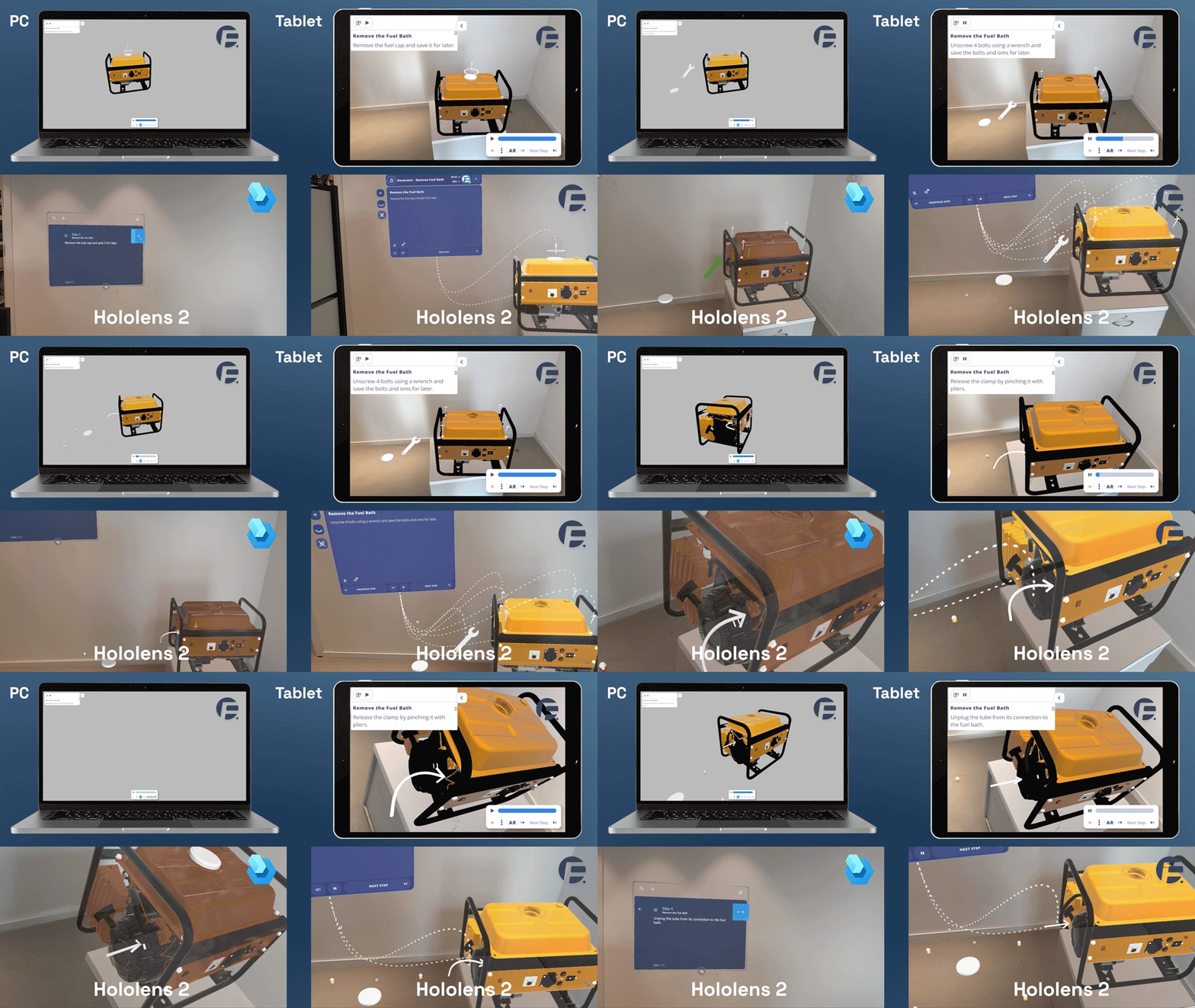
MS Guides Migration Tool
Keep your existing Microsoft Guides knowledge moving forward.
Move existing Microsoft Dynamics 365 Guides content into Frontline ONE and bring it into the same connected environment as your procedures ,training, Digital Twins, support and analytics.
Preserve the work your teams have already created while moving toward a device-agnostic platform for future deployment.
AI built into every procedure, twin and session
Frontline ONE's AI doesn't sit beside the platform - it operates it. It edits the digital twin, drafts procedures from your manuals, carries out workflows your team draws, and answers technicians from your own documents.
AI Agents
Ask once, and the agent does the rest. It creates flows, rewrites and reorders steps, works out a disassembly sequence, animates parts, moves cameras, translates nodes and updates procedure settings - walking a whole procedure itself instead of waiting for you to repeat the same instruction on every step.
Metered, permissioned, and switchable off
Each workspace has a monthly AI allowance you can watch being spent. A single switch, separate from user permissions, turns AI off entirely. And agents can only reach systems you have approved - private and internal addresses are refused outright, with no administrator override.
From knowledge to work done right
Frontline One connects the entire operating loop.
No Credit Card Required
01
Capture
Bring together manuals, SOPs, CAD, expert knowledge and existing operational content.
02
Create
Turn trusted information into Digital Twins, Interactive Flows and training experiences.
03
Deliver
Make the right content available across browser, desktop, mobile, tablet and supported XR devices.
04
Perform
Guide work, connect experts, capture evidence and complete tasks in the same environment.
05
Improve
Use completed work, support sessions and analytics to strengthen the next procedure, training experience and task.
One environment. Across the devices your teams already use
Start with the devices already present in your operation.
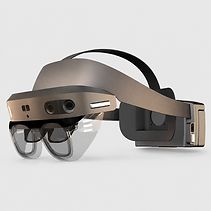
Use Frontline One through browser on PC, Mac, mobile and tablet, then extend the same workspace and content into supported AR, MR and VR devices where hands-free or immersive experiences create value.