
Remote Assist
Your expert is 500 miles away. Your machine is stopped.
Your team is waiting.
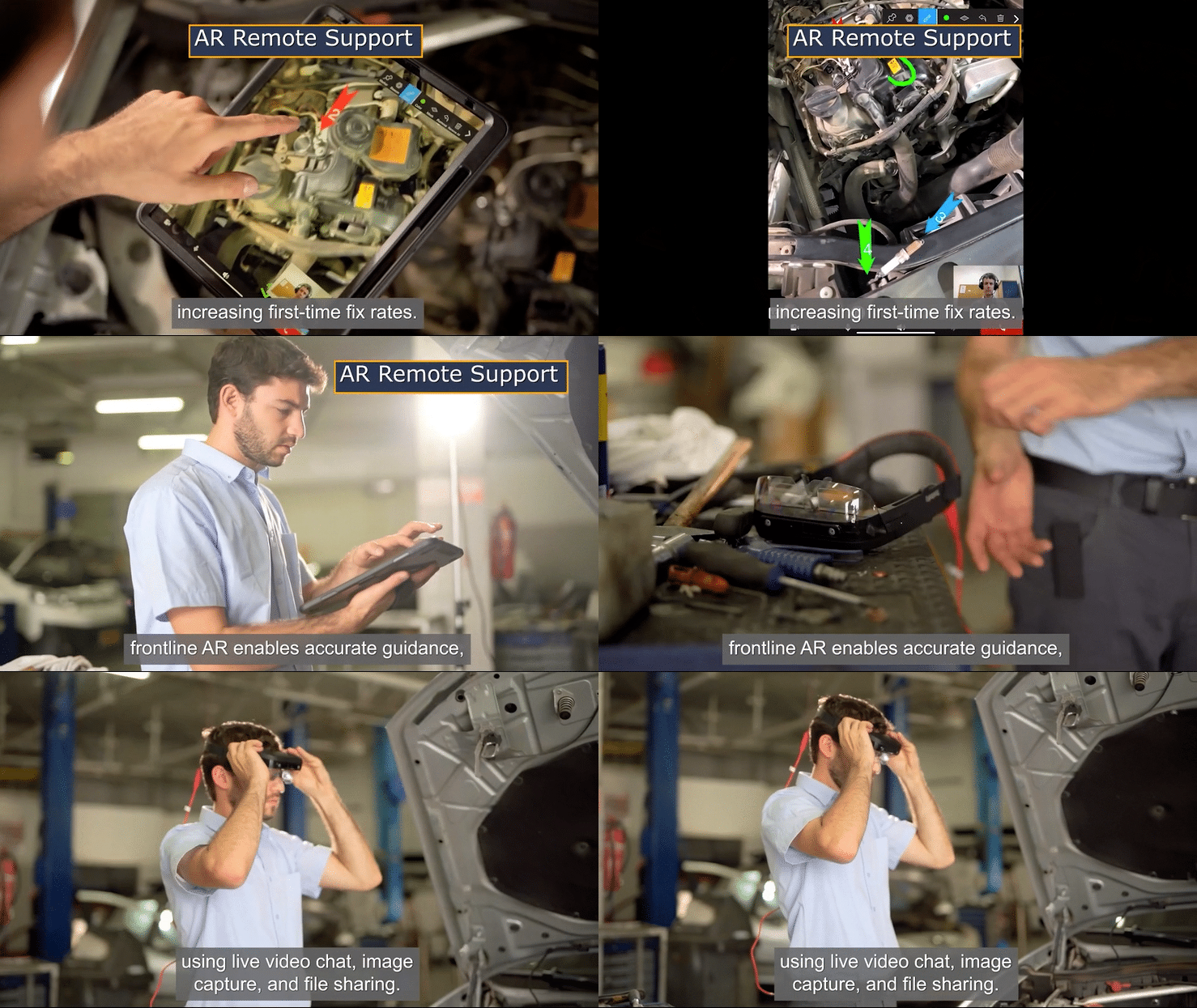
Remote Assist is Frontline ONE's enterprise augmented reality solution for AR field service and technical support. Put your best engineer on site without the flight. Real-time AR guidance. Precise annotations on the machine. First-time fix, every time.
30%
Less technician travel
+25%
Higher first-time fix rate
60%
Fewer support escalations
+10pp
Increase in remote closure rate
What you can achieve
Remote Assist is built around four measurable operational outcomes. Every feature on this page connects directly to one of them.
Increase first-time fix rates
Help technicians diagnose and resolve issues faster with live expert collaboration, AR guidance, and precise annotations. Fewer repeat visits. Less wasted time.
Reduce Travel with Remote Support
Resolve issues remotely from any location and time zone. Experts and technicians connect on smartphones, tablets, PCs, or AR headsets, reducing travel costs and downtime.
Capture and Retain Expert Knowledge
Automatically record every session to build a searchable library of real fixes. Turn resolved cases into reusable knowledge for training, compliance, and ongoing support.
Close the Skill Gap and Streamline Support
Replace ad-hoc calls with structured, repeatable AR-enabled support sessions. Less experienced technicians can handle complex issues faster, with better consistency and fewer errors.
How it works
From first call to resolved, in minutes
Step 01
Launch a session
From the Remote Assist Dashboard, click Start Meeting or share a meeting link. Field users join via browser with no app install required.
Step 02
Connect and collaborate
Both parties communicate through live video, voice, in-call chat, and screen sharing, within a single session window. Noise suppression keeps audio clear in industrial environments.
Step 03
Annotate, record, close the loop
The expert draws AR markers onto the live feed, pauses the stream for HD capture, and shares Interactive Flows or Digital Twins in-call. Every session is automatically recorded in the real-time analytics platform.
From Remote Assist to resolution
Remote Assist connects to real-world workflows across the full equipment lifecycle. From a single support call to standardised field operations.

Field service support
Connect field technicians with remote experts through live AR guidance. Resolve issues faster. Reduce unnecessary dispatches. Increase first-time fix rates across global customer sites.

Maintenance and operations
Guide technicians through maintenance standard operating procedures using AR annotations and Digital Twin-powered Interactive Flows. Reduce errors. Standardise execution across every site.
.png)
Knowledge capture
Every resolved session becomes a training asset. Session recordings feed the knowledge base automatically, closing the skill gap for the next technician who faces the same fault.
Everything you need for scalable remote support
A complete set of AR and collaboration tools. Available across all supported devices from day one.
%201.png)
AR Annotations that anchor
Remote Assist annotations let you draw directly on the live feed so the technician always knows exactly here to look and what to do next. Sketch freely, place beacon highlights, or drop numbered arrow markers onto the technician’s camera view. Remote Assist Overlays anchor and persist, so the expert does not need to re-point every time the camera moves.

Digital Twin in-call
Share a live Digital Twin inside the session. The remote expert and technician view and interact with the same 3D Digital Twin in real time, anchored to the physical equipment in front of them. Share Interactive Flows directly from the in-call chat window to guide the technician through maintenance standard operating procedures without leaving the call.
Screen Sharing
Broadcast your desktop or a specific application window to all participants. Share schematics, diagnostic tools, or reference documents during the call
Web Client Session
Experts join directly from any browser. No app install required. Access and control a remote device from any location.
Translated Closed Captions
Real-time speech-to-text captions automatically translated into the technician’s preferred language.
In Call Chat
Send text notes, URLs, and links to files or videos during the live session without interrupting the video feed.
AI built into every support session
Remote Assist connects to Frontline ONE’s AI Suite. Experts and technicians get the right knowledge, the right procedure, and the right guidance at the moment they need it.
Engineered for industrial reality
Industrial environments do not tolerate approximations. Remote Assist is built for the conditions your teams actually face: noise, complexity, remote locations, and high-stakes decisions under pressure.
Hardware agnostic
Sessions run on iOS, Android, PC, web browser, Microsoft HoloLens 2, Magic Leap 2, and HMS SiNGRAY G2. No hardware mandate. One AR workflow across every device
Noise suppression
Factory-floor audio stays clear. Noise suppression filters out background industrial noise so communication remains sharp even in the most demanding environments.
Enterprise-grade security
SOC 2 Type II certified. Encrypted video and audio via WebSocket. SSO-ready. On-premises deployment available. Built to pass enterprise IT security review
Up to 5 participants per session
Multiple experts can support a case simultaneously, each joining in their own language. For larger collaborative sessions, Frontline ONE Immersive Room supports 50 or more participants.

Cross-platform. Cross-reality, Cross-use case
Frontline ONE brings every device, reality, and use case into one operating environment for complex equipment. The same Digital Twin and workflows run across smartphones, PCs, Microsoft HoloLens 2, HMS SiNGRAY G2, and supported AR and VR headsets — with no rebuilding required for each device.
Real results. Real machines. Real industries
Trusted by industrial leaders worldwide
"Remote Assist has transformed our support operations. We have seen a 30% reduction in technician travel and significantly faster resolution times across our global sites."
Director of operations,
Global Manufacturing Enterprise
100+
Vendors evaluated by HP before choosing frontline.io
70%
Improvement in remote troubleshooting efficiency